



Intro
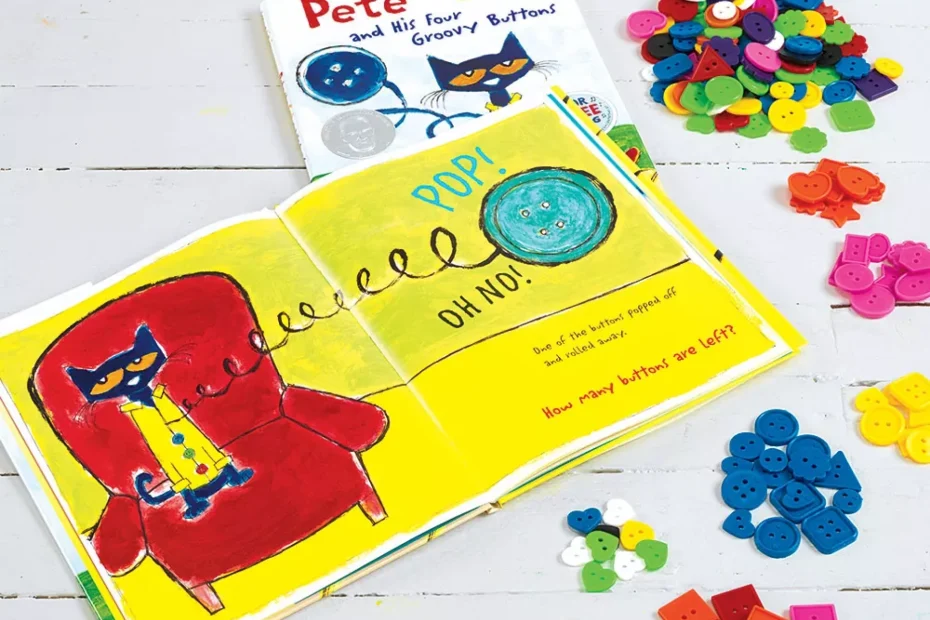
Pete the Cat may be losing his buttons, but his story provides a great chance to practice
sorting skills! This groovy activity explores basic subtraction, attributes and classification.
Enjoy an instant-classic sing-along story while building beginner math skills!
Set Up ideas
Prepare a comfy place for story time. You may wish to gather buttons similar to Pete the
Cat's. Children will be tickled to see those buttons in real life!
Let’s Get Started
For this activity, you'll need the book "Pete the Cat and His Four Groovy Buttons" by Eric
Litwin, as well as a variety of buttons in different shapes, sizes and colors. You'll also need
a sorting tray or space to sort the buttons into groups by their varying attributes.
Tips and Tricks
You may come across buttons that are difficult to sort because of unique designs.
Reassure the children that it's okay to fit in multiple categories or to be in a category of
your own!
Follow up Activity
Looking for more fun with buttons? In addition to sorting, buttons are great for counting,
creating patterns, making comparisons and discussing positioning. For a more creative
twist, glue buttons onto construction paper for a unique collage!
As Pete loses his buttons, this is a great opportunity to introduce subtraction to younger
children. Also, it's worth discussing that even though Pete is losing his buttons, he keeps
cool and doesn't become upset. We could all be cool cats like Pete when things don't go
according to plan!
Steps:
- Read “Pete the Cat and His Four Groovy Buttons” by Eric Litwin out loud. The story is
meant to be sung, so listen to the accompanying song or make your own rhythm and
melody! - Talk about the attributes of Pete’s buttons that he loses during the course of the story. You
may discuss their colors, shapes, sizes, number of holes and so on. - Show the children some of the buttons from your own collection. Talk with the children
about the different attributes that are represented in the set. - Have the children sort the buttons into sets using one attribute. Color is often the simplest
way to classify them. After that, you may move onto to size, shapes, number of holes, etc.